TIP
Copy and paste this page into a Google Doc to answer questions.
Homework 2: Cartography
Activity 1: Creating Spaces
Find a dataset that is semantically rich.
- You can use Kaggle and download a CSV dataset OR upload your own dataset.
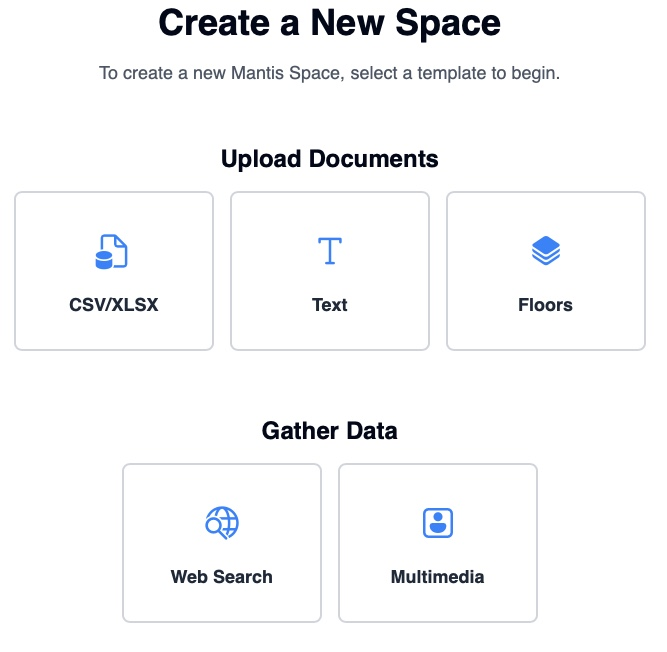
- Click on New Space on the top right corner to upload the dataset.
- Choose the type (CSV/XLSX, Text, Floors).
- Label clusters, tune axes, and add metadata layers.
Analyze the picture of your map.
How has mapping the data through Mantis allowed for a clearer understanding of your dataset?