Point Analysis Controls
Overview
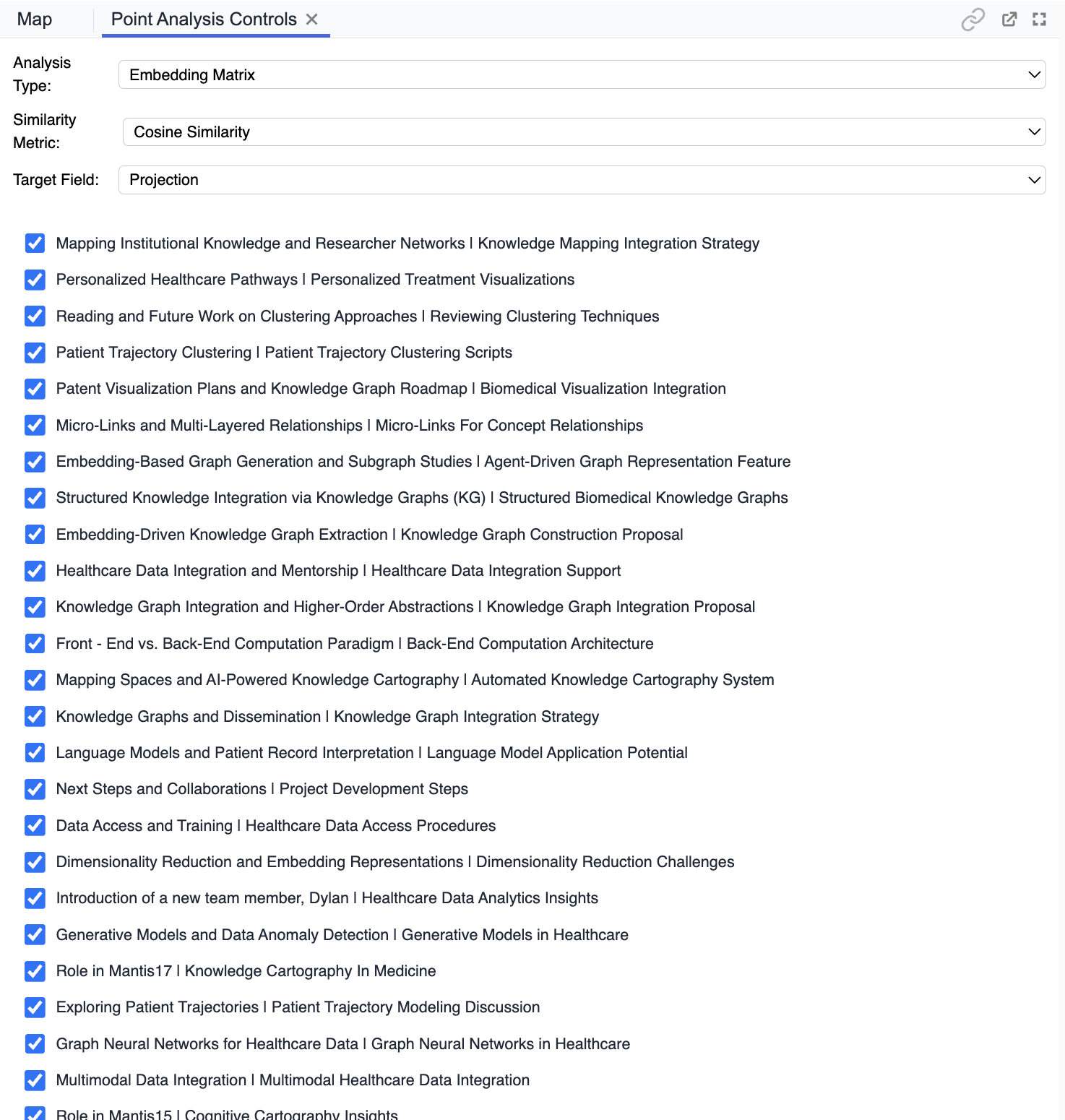
Point Analysis Controls provide configuration options and selection tools for customizing your point-level analysis. This panel lets you specify how similarity is measured, which items to include, and which target or projection to use.
Purpose
- Select which items (e.g., notes, documents) are included in the analysis.
- Configure analysis parameters, such as analysis type and similarity metric.
- Set the target field or projection for the analysis matrix.
- Quickly toggle inclusion of items using checkboxes for granular control.
Key Features
- Analysis Type Dropdown: Choose analysis method (e.g., Embedding Matrix).
- Similarity Metric Selection: Set the metric (e.g., Cosine Similarity).
- Target Field Selector: Specify which projection or feature is analyzed.
- Item Checklist: Select or deselect specific points/items for inclusion.
Tips
- Use checkboxes to focus the analysis on relevant notes or points.
- Adjust the analysis type or similarity metric to explore different relationships.
- Refine selections before generating or updating the matrix in the view.