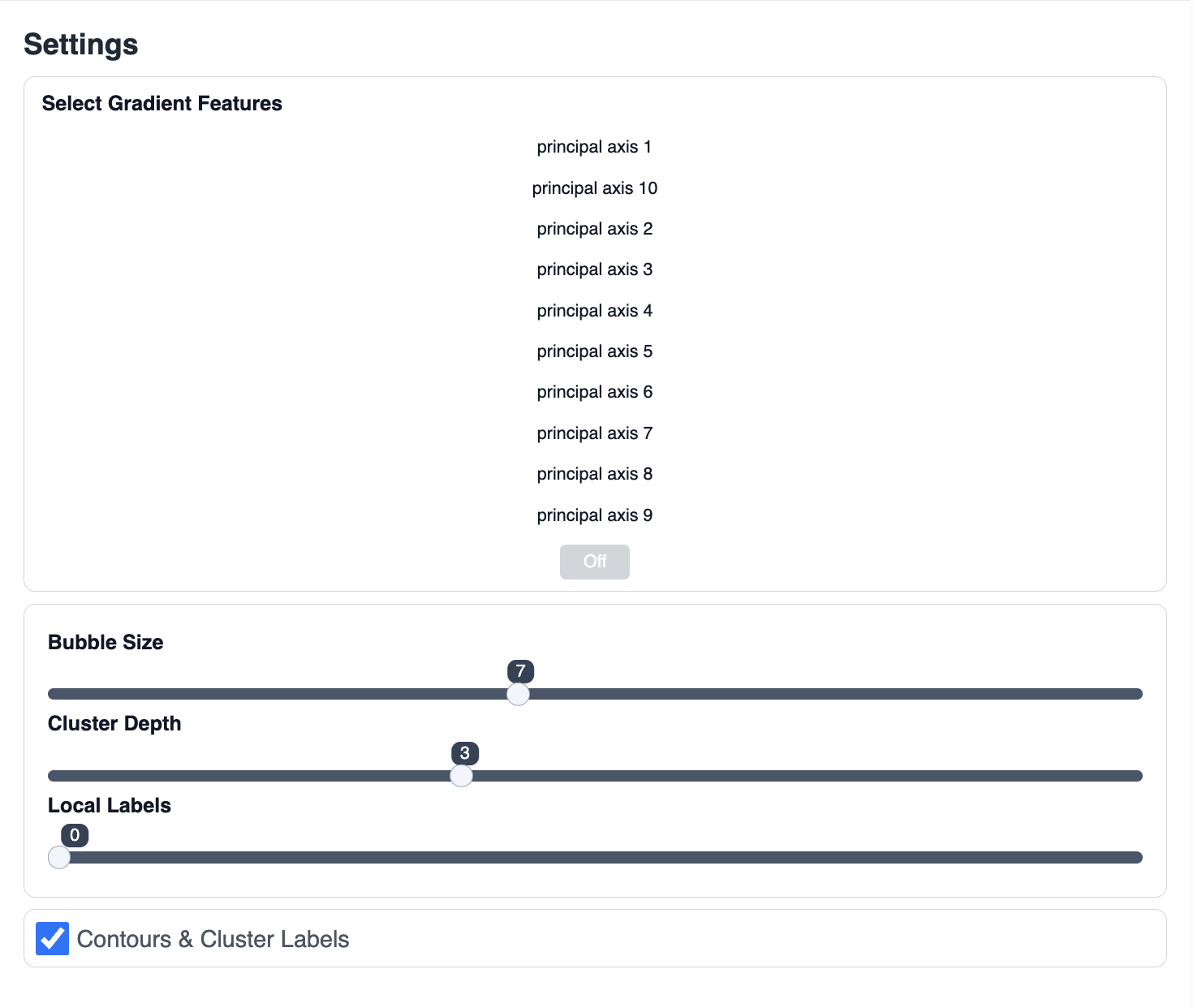
Setting
Overview
The Setting menu provides access to configuration and preferences for your workspace or tool behavior.
Purpose
- Adjust system options, display settings, or personal preferences.
- Configure how features, visuals, or notifications behave.
How to Use
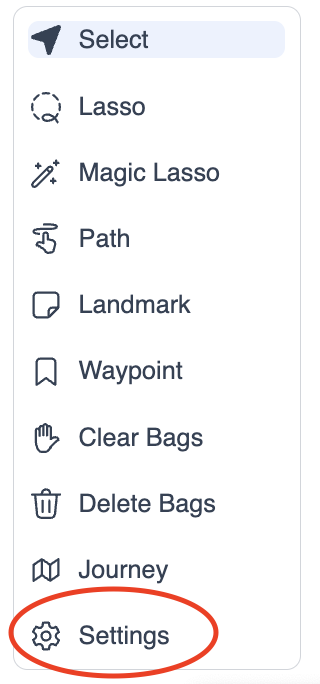
- Click 'Setting' in the tools menu.
- Browse and modify available options as needed.